
 Google Calendar
  Outlook Calendar
  Google Meet
  Microsoft Teams
  Zoom Meetings
 CalendHub vs Fantastical: Which Calendar Tool Wins in 2025?
Compare CalendHub and Fantastical for calendar management. Cross-platform unification vs premium Apple calendar experience.
Fantastical has long been the gold standard for calendar apps on Apple devices. Its natural language event creation, beautiful design, and deep integration with macOS and iOS have earned it a devoted following among Apple users. If you own a Mac, an iPhone, and an iPad, Fantastical makes managing your calendar feel effortless. But here's the thing. The professional world in 2025 doesn't run exclusively on Apple hardware.
When you're managing calendars across organizations that use Windows, Android, Google Workspace, Microsoft 365, and various other platforms, Fantastical's Apple-centric approach creates real limitations. CalendHub.com was designed for exactly this kind of cross-platform reality. It doesn't care what devices you use or what operating systems your clients prefer. It just brings all your calendars together. Let's compare these two tools and figure out which one actually fits your needs.
- CalendHub strength Platform-agnostic calendar unification with unlimited connections
- Fantastical strength Best-in-class Apple ecosystem calendar experience with natural language input
- Best for multi-platform power users CalendHub
- Best for Apple-only users Fantastical
CalendHub vs Fantastical at a Glance
| Feature | CalendHub | Fantastical |
|---|---|---|
| Platform support | Web, iOS, Android, any browser | Apple only (Mac, iPhone, iPad, Apple Watch) |
| Calendar connections | Unlimited | Multiple, via Apple account system |
| Natural language input | No | Yes, best in class |
| Cross-platform access | Yes, full feature parity everywhere | No, Apple devices only |
| Unified calendar view | Yes | Yes, within Apple ecosystem |
| Scheduling pages | Yes | Yes (Fantastical Scheduling) |
| Weather integration | No | Yes |
| Pricing | $9.99/mo | $4.75/mo (Flexibits Premium) |
| Windows/Android support | Yes | No |
| Best for | Multi-platform calendar unification | Premium Apple calendar experience |
Where CalendHub Wins
True cross-platform access. This is the fundamental divide. Fantastical requires Apple hardware. Period. If you need to check your unified calendar from a Windows laptop at a client's office, or if a team member uses Android, Fantastical simply isn't an option. CalendHub works in any web browser on any device, plus native mobile apps for both iOS and Android. Your calendar follows you everywhere.
Platform-independent calendar unification. While Fantastical can connect to Google Calendar and Outlook through Apple's CalDAV and Exchange protocols, the connections depend on Apple's account system. CalendHub connects directly to each calendar platform's native API, which often means better sync reliability and faster updates. When you're managing 10+ calendars across different providers, direct API connections matter.
Built for multi-organization professionals. CalendHub was specifically designed for people managing calendars across many different companies and platforms. Fractional executives, consultants, and portfolio professionals represent the core user base. Fantastical is a personal calendar app that happens to support multiple accounts. There's a meaningful difference in how each tool approaches the multi-calendar problem.
No ecosystem lock-in. Choosing Fantastical means committing to Apple for your calendar management. If your workflow ever requires Windows access, or if a client hands you an Android phone for their organization, you lose your calendar tool. CalendHub doesn't tie you to any platform. You can read more about platform-independent solutions in our guide to the best calendar consolidation apps for 2025.
Where Fantastical Has Strengths
Fantastical earned its reputation for good reasons, and it's only fair to highlight them.
Natural language event creation is unmatched. Type "Lunch with Sarah tomorrow at noon at Cafe Milano" and Fantastical creates the event perfectly. The parser understands dates, times, locations, durations, and recurring patterns from plain English. No other calendar app handles natural language input as accurately or intuitively.
The design is gorgeous. Fantastical's interface across Mac, iPhone, iPad, and Apple Watch is consistently beautiful and thoughtfully designed. The day, week, month, and year views are all polished. Animations are smooth. The app feels premium in a way that few calendar tools match.
Deep Apple ecosystem integration. Fantastical works with Siri, integrates with Apple Maps for travel time estimates, supports Apple Watch complications, and syncs seamlessly across all Apple devices through iCloud. If you're fully invested in the Apple ecosystem, this integration provides a frictionless experience.
Excellent pricing. At $4.75 per month through Flexibits Premium, Fantastical is one of the most affordable premium calendar apps available. That price includes access across all Apple platforms. For users who only need Apple devices, it's exceptional value.
Need better calendar management? CalendHub unifies all your calendars with smart scheduling and video conferencing.
Weather and travel time. Fantastical shows weather forecasts directly on your calendar and calculates travel time between events. These quality-of-life features make daily planning more informed without requiring separate apps.
Calendar Management Comparison
Fantastical approaches multi-calendar support through Apple's account framework. You add your Google, Outlook, Exchange, and iCloud accounts to Apple's system settings, and Fantastical displays events from all of them. This works well for personal use and small numbers of accounts. But it relies on Apple's CalDAV and Exchange Active Sync implementations, which can sometimes lag behind the native APIs of each calendar provider.
CalendHub takes a fundamentally different approach. It connects directly to each calendar provider's API. Google Calendar events sync through Google's API. Outlook events sync through Microsoft's Graph API. This direct connection approach typically provides faster sync times, more reliable conflict detection, and better handling of provider-specific features.
For someone managing three personal calendars across Google and Outlook on Apple devices, Fantastical works beautifully. For someone managing 12 calendars across five organizations, three calendar platforms, and devices running both iOS and Windows, CalendHub.com is the only realistic choice between these two tools.
The multi-organization use case also highlights another gap. Fantastical treats all your calendars as personal accounts on your Apple device. CalendHub understands that your calendars belong to different organizations and lets you manage visibility, color coding, and conflict rules per organization. That organizational awareness matters when your work life spans multiple companies. For more on managing this complexity, check out our roundup of the best scheduling software with multiple calendar support.
Pricing Comparison
Fantastical costs $4.75 per month through Flexibits Premium, which includes access on Mac, iPhone, iPad, and Apple Watch. A free tier exists with limited features. The premium subscription unlocks scheduling, weather, multiple calendar sets, and other advanced features. For Apple users, this is strong value.
CalendHub costs $9.99 per month with unlimited calendar connections, cross-platform access, unified views, and real-time conflict detection across all platforms.
On pure price, Fantastical wins at roughly half the monthly cost. But price only tells part of the story. If you need Windows or Android access, Fantastical can't help you at any price. If you're managing calendars across multiple organizations and platforms, CalendHub's direct API connections and organizational awareness justify the premium.
The right framing isn't "which costs less" but "which solves your problem." For an Apple-only user with a few calendars, Fantastical at $4.75 is the clear value play. For a multi-platform power user managing many calendars across organizations, CalendHub at $9.99 is the only option that actually works.
Which Should You Choose?
Choose CalendHub if you work across multiple platforms, manage calendars from many organizations, or need access from non-Apple devices. If even one important device in your workflow isn't Apple, Fantastical creates a gap that CalendHub fills. For fractional executives and consultants managing complex, cross-platform calendar ecosystems, CalendHub.com delivers the unified visibility you need.
Choose Fantastical if you're fully committed to the Apple ecosystem, manage a reasonable number of calendars (under 10), and value premium design and natural language input above cross-platform flexibility. Fantastical is genuinely the best calendar app on Apple devices. It's just not a cross-platform calendar management tool.
Think carefully if you're currently Apple-only but your work is shifting toward multi-platform engagements. Investing in Fantastical workflows that don't translate to Windows or Android could create friction down the road.
For more perspectives on tools that handle the multi-calendar challenge, see our comparison of CalendHub vs Calendly for calendar features.
Conclusion
Fantastical and CalendHub are both excellent tools that happen to solve different problems. Fantastical makes Apple calendar management beautiful and intuitive. CalendHub makes cross-platform calendar unification possible and practical.
If your professional life fits neatly within the Apple ecosystem and you manage a moderate number of calendars, Fantastical is hard to beat. Its natural language input, stunning design, and deep Apple integration create an experience that no other calendar app can match on those devices.
But if you live in the real world of mixed platforms, multiple organizations, and calendar chaos spanning Google, Outlook, iCloud, and Exchange, CalendHub is the tool that actually solves the problem. It doesn't care about ecosystems. It cares about showing you every event from every calendar in one place. For multi-calendar power users, that's what matters most.
Ready to Simplify Your Schedule?
Join thousands of professionals who have unified their calendars and reclaimed their time with CalendHub's intelligent scheduling platform.
Related Articles
Best Apps to View All Calendars in One Place (2025 Review)
Compare the top apps for viewing all calendars in one place. Detailed reviews of features, limits, and pricing to help you choose the right solution.
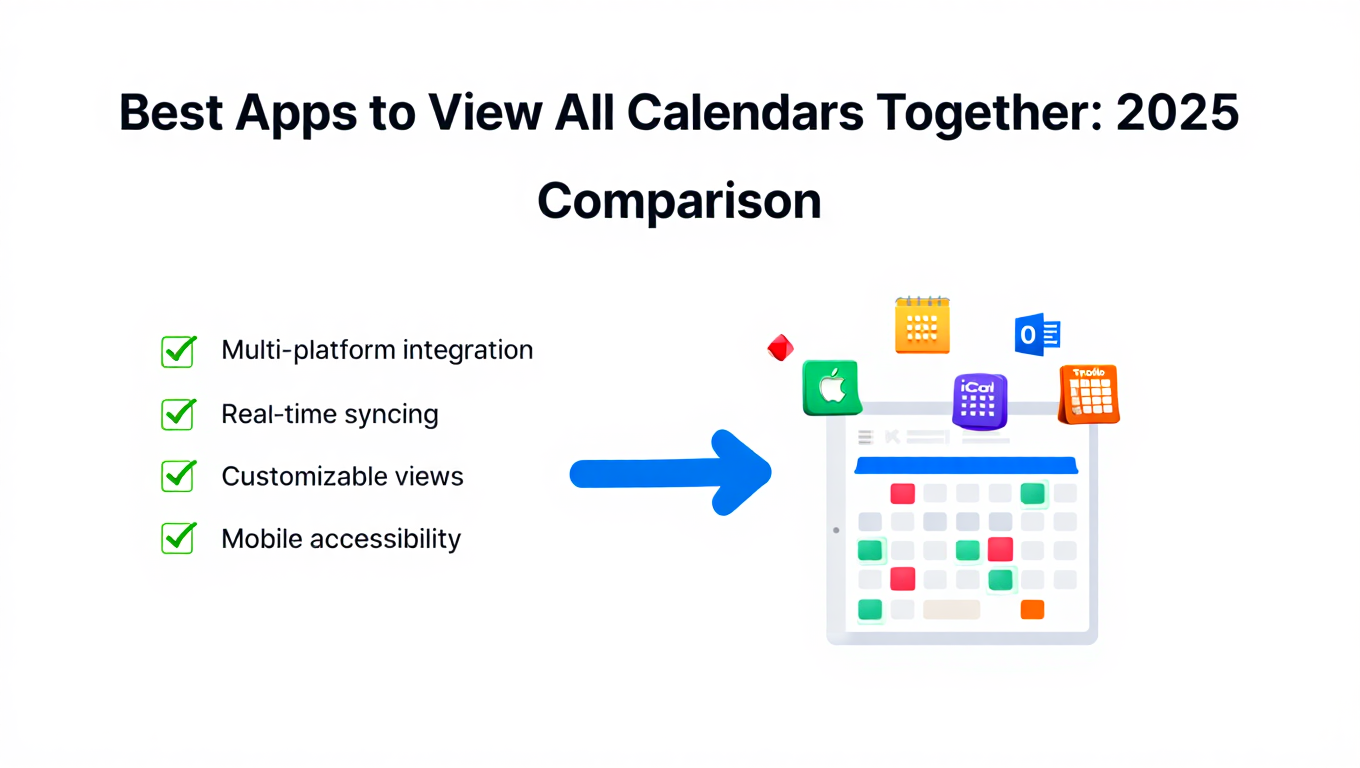
Best Apps to View All Calendars Together: 2025 Comparison
Compare the best apps and tools to view all calendars together. Detailed analysis of features, limits, pricing, and which solution fits your needs.
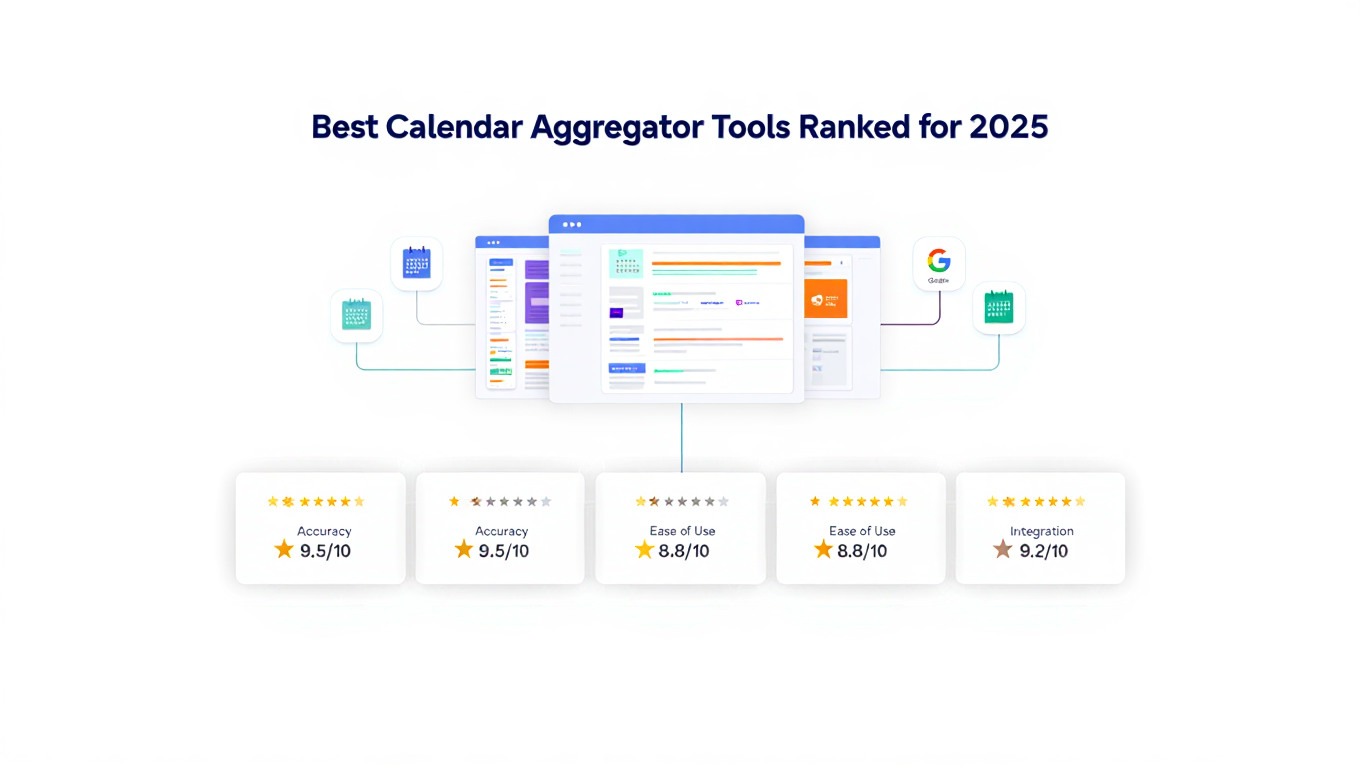
Best Calendar Aggregator Tools Ranked for 2025
Compare the top calendar aggregator tools in 2025. See which platforms offer unlimited connections, real-time sync, and true aggregation for professionals.