
 Google Calendar
  Outlook Calendar
  Google Meet
  Microsoft Teams
  Zoom Meetings
 Social Media Manager Calendar Management: Complete Guide for 2025
Master social media manager calendar management across platforms, clients, and content teams. Unify 4-8 calendars in one dashboard.
Your Monday morning starts with a frantic Slack message from a client. Their Instagram Reel was supposed to go live at 9 AM but nobody approved the final cut. You open your content calendar to figure out what happened and realize the approval meeting got bumped last week when the designer had a conflict. Meanwhile, your other client's TikTok campaign launches tomorrow and the creative brief review is stacked against two internal team syncs and a performance review call. You've got four browser tabs open with different calendar views, and none of them show the full picture.
Social media managers live at the intersection of content creation, client communication, and platform timing. With 4 to 8 calendars spanning content posting schedules, client approval workflows, design team coordination, and personal commitments, your scheduling workload rivals that of a project manager at a mid-size company. Except you're also expected to be creative, responsive, and always online. The calendar chaos has to stop somewhere.
- Why social media managers face a unique blend of calendar management challenges
- The scheduling problems that derail content strategies and client relationships
- Practical steps to unify your content, client, and team calendars
- How CalendHub keeps social media professionals organized across every account
Why Social Media Manager Calendar Management Is Uniquely Challenging
Social media management isn't a single job. It's several jobs operating simultaneously. You're a content strategist planning posts weeks in advance. You're a community manager responding to comments in real time. You're a client services representative attending approval meetings and presenting analytics reports. You're a creative director coordinating with designers, copywriters, and video editors.
Each of these roles generates its own scheduling demands, and they all compete for the same hours in your day. The content calendar tells you when posts need to go live. The client calendar tells you when approvals and reviews are due. The team calendar tells you when your designer is available to turn around those graphics you need by Thursday. Your personal calendar reminds you that you do, in fact, have a life outside of social media.
What makes this especially tricky is that social media operates on platform time, not business time. A TikTok trend might emerge on a Saturday afternoon. An Instagram algorithm change might require an emergency content pivot mid-week. Your calendar needs to accommodate both the planned content pipeline and the reactive nature of the platforms themselves.
Common Calendar Problems Social Media Managers Face
Content Posting Schedules Across Multiple Platforms
Most social media managers handle content for 3 to 6 different platforms per client. Instagram, TikTok, LinkedIn, Facebook, X, and YouTube all have different optimal posting times, different content formats, and different preparation requirements. A single client might need 15 to 25 posts per week across these platforms, each with its own production timeline.
Tracking when each piece of content needs to be drafted, designed, approved, and published creates a scheduling matrix that quickly outgrows sticky notes and spreadsheets. When you manage multiple clients, each with their own multi-platform content schedule, the complexity becomes staggering.
Client Approval Meeting Bottlenecks
Content can't go live without client approval. But getting clients to attend approval meetings on time is one of the biggest scheduling headaches in the profession. Clients reschedule, forget, or show up unprepared. Each postponed approval pushes your content calendar back, creating a domino effect that can derail an entire week's posting schedule.
The problem gets worse when your approval meetings are scheduled in a different calendar than your content deadlines. You can see that the client approved the Instagram content, but you don't realize that the LinkedIn batch for the same client is still pending because it lives on a separate tracking system.
Coordinating with Designers, Writers, and Editors
Social media content rarely comes from one person. You typically coordinate with graphic designers, copywriters, video editors, and sometimes photographers. Each creative collaborator has their own schedule, their own workload, and their own preferred communication tool.
Scheduling a creative review session that works for you, the designer, and the client is a three-way calendar negotiation. When you're doing this for multiple clients and multiple projects simultaneously, the scheduling overhead alone can consume hours every week.
Need better calendar management? CalendHub unifies all your calendars with smart scheduling and video conferencing.
If you've dealt with calendar chaos across multiple accounts, you know how quickly things can spiral when every project has its own scheduling system.
Separating Strategic Work from Reactive Tasks
Every social media manager needs blocks of deep focus time for content strategy, analytics review, and campaign planning. But these blocks are constantly interrupted by urgent client requests, platform notifications, and team questions. Without a unified calendar that shows all your commitments, those strategic blocks get eaten alive by reactive tasks.
How to Solve Social Media Manager Calendar Chaos
Step 1. Catalog Every Scheduling System in Your Workflow
Write down every tool where scheduling happens. This usually includes your personal calendar, a content scheduling platform like Later or Buffer, your project management tool like Asana or Monday, each client's preferred meeting tool, your team's shared calendar, and any freelancer scheduling for external creatives.
Most social media managers discover they're juggling 5 to 8 different scheduling environments. Understanding the scope is the first step toward fixing it.
Step 2. Bring Everything Into One Unified View
You need a single dashboard where content deadlines, client meetings, team coordination, and personal commitments all coexist. CalendHub.com makes this possible by connecting unlimited calendars from different platforms into one real-time view. When everything lives in one place, you can finally see whether that Wednesday afternoon is truly free or if it's already claimed by a client review and a design handoff.
Step 3. Create Dedicated Content Production Blocks
Block recurring time on your unified calendar for content creation, and protect these blocks aggressively. Monday mornings for content strategy. Tuesday and Wednesday afternoons for drafting and design coordination. Thursday mornings for client reviews. Friday for scheduling and analytics. When these blocks appear alongside all your other commitments, you can ensure they don't get overwritten by ad hoc meetings.
Step 4. Build Approval Workflows Into Your Calendar
For each client, create a recurring calendar event for content approval. Schedule it early enough in the week that you have time to make revisions before the posting deadline. When an approval meeting gets rescheduled, immediately assess the impact on your content calendar and adjust posting dates if needed. Having both your meeting calendar and your content calendar visible in one view makes this assessment instant.
Step 5. Sync Your Client-Facing Booking Links
If clients can self-schedule meetings through a booking link, make sure that link reflects all of your calendars. A client shouldn't be able to book a slot that's already occupied by another client's approval meeting or a team creative session. Two-way sync between your booking tool and your unified calendar prevents these conflicts.
For more on preventing scheduling overlaps, see this guide on preventing double bookings across multiple calendars.
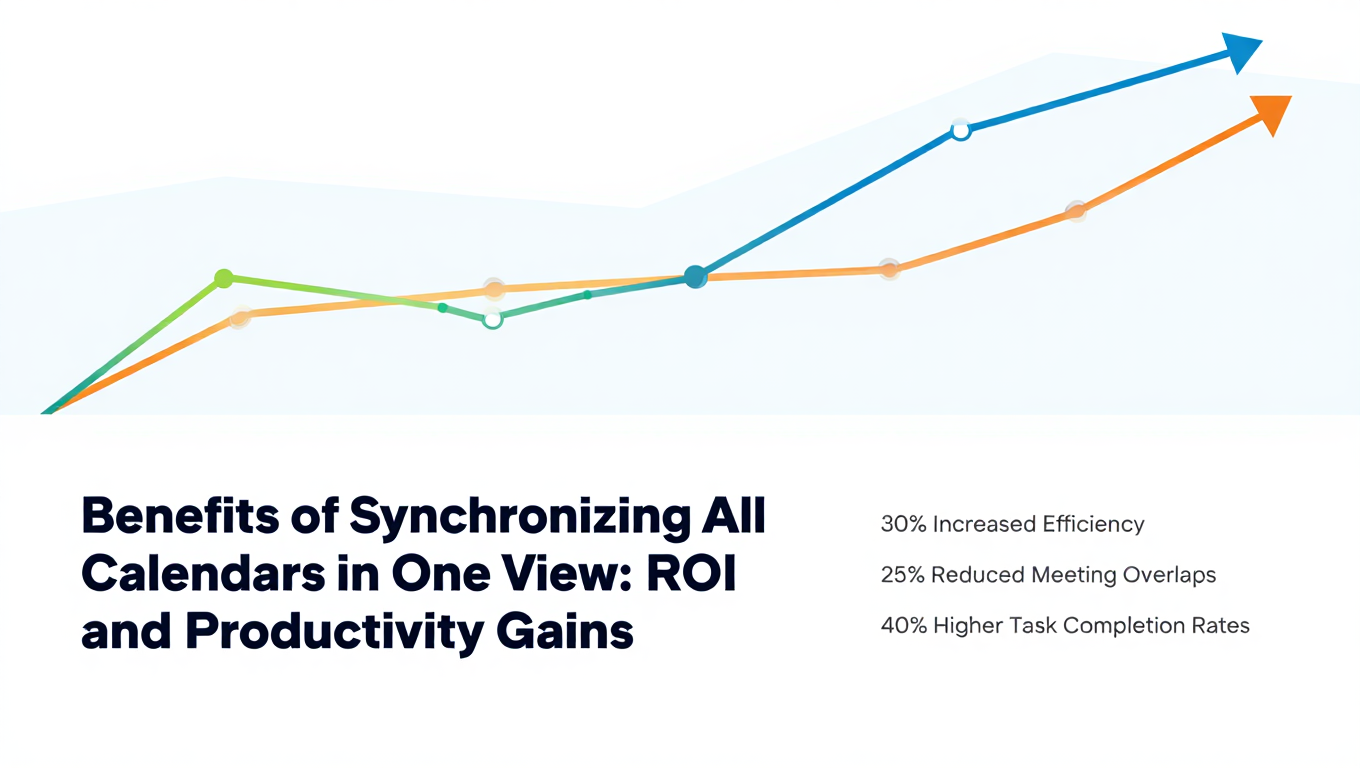
Social media managers who unify their calendars report fewer missed posting deadlines, smoother client approval cycles, and 5 to 7 hours saved per week on scheduling logistics. That reclaimed time goes directly into better content and stronger client relationships.
Why CalendHub Works for Social Media Managers
Social media managers need a calendar tool that keeps pace with their multi-client, multi-platform reality. CalendHub.com is built for exactly this kind of complexity.
Unlimited calendar connections mean you can sync every client calendar, every team member's schedule, every content platform timeline, and your personal commitments without hitting a cap. Competing tools that limit you to 6 calendars fall short the moment you take on your third or fourth client.
Real-time two-way sync ensures that when a client reschedules an approval meeting in their system, it updates in your unified view immediately. No lag. No manual copying. No risk of showing up to a meeting that was moved two days ago.
One dashboard for everything gives you the visibility to manage multiple clients, platforms, and creative teams without losing your mind. You see the whole picture, every deadline, every meeting, every blocked creative session, in a single view.
You might also find it helpful to explore the best tools for managing multiple work calendars for additional platform comparisons.
Post Better Content by Managing Your Calendar Better
Your clients don't see the scheduling chaos behind their social media presence. They just see whether posts go live on time, whether the content is sharp, and whether you're responsive when they need you. Every bit of calendar friction that you eliminate translates into a better client experience and better content.
Unify your calendars with CalendHub.com, protect your creative time, and build a scheduling system that matches the pace of social media. Your content strategy deserves better than being held hostage by calendar conflicts.
Ready to Simplify Your Schedule?
Join thousands of professionals who have unified their calendars and reclaimed their time with CalendHub's intelligent scheduling platform.
Related Articles

Accountant Calendar Management: Complete Guide for 2025
Master accountant calendar management to survive tax season, track client deadlines, and balance multiple engagements without burnout.
Agency Owner Calendar Management: Complete Guide for 2025
Juggle client meetings, team standups, biz dev, and project timelines as an agency owner. Your complete calendar management guide.
Business Coach Calendar Management: Complete Guide for 2025
Streamline executive client scheduling, mastermind groups, and speaker coordination. The business coach calendar management guide.