
 Google Calendar
  Outlook Calendar
  Google Meet
  Microsoft Teams
  Zoom Meetings
 Software Developer Calendar Management: Complete Guide for 2025
Master software developer calendar management across 4-8 calendars. Protect focus time, manage sprint ceremonies, and handle on-call rotations.
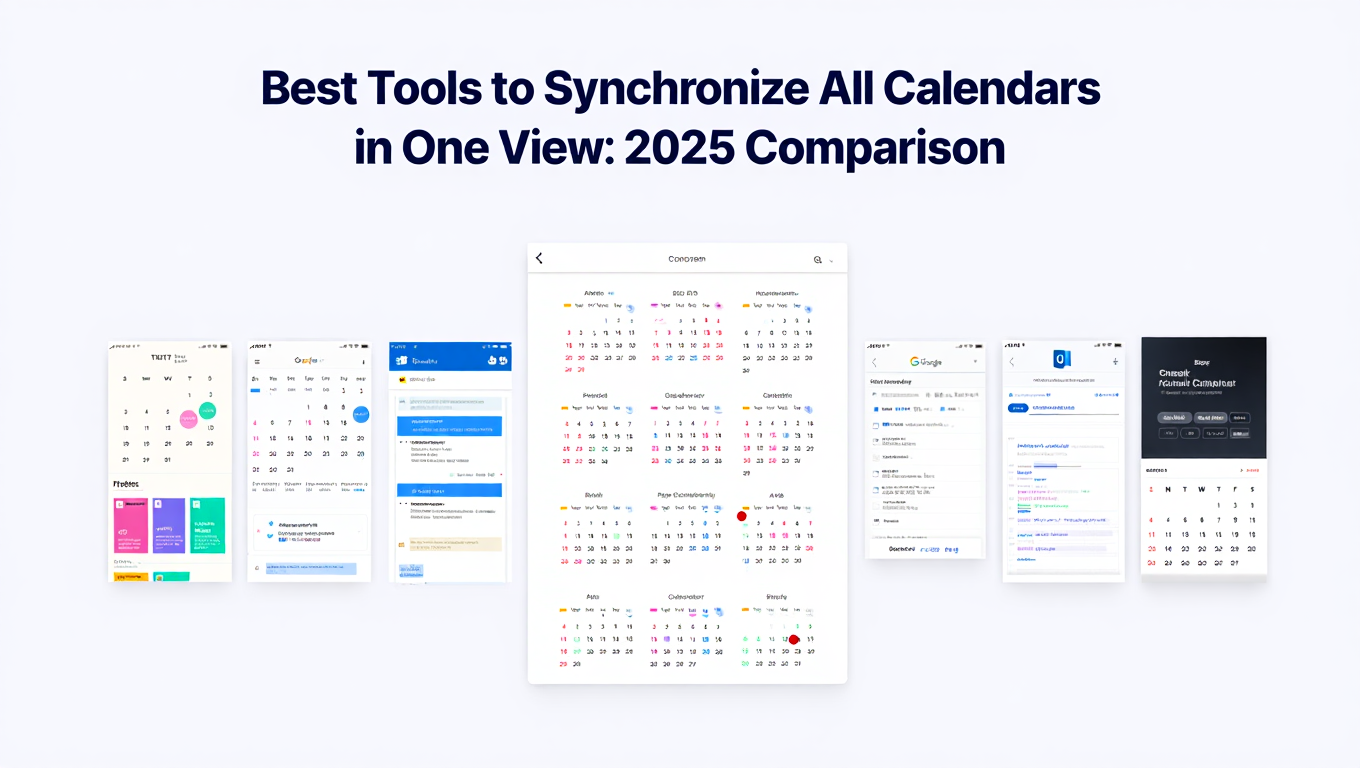
You sat down at 9 AM planning to spend the morning fixing that critical bug in the payment processing module. By 9:15, you're in a standup. At 10, there's a sprint planning meeting. 11 AM brings a "quick sync" with the product team that runs 45 minutes over. After lunch, you've got a code review session at 1, an architecture discussion at 2:30, and an on-call handoff at 4. It's now 4:30 PM, and you haven't written a single line of code. That bug is still broken.
If this sounds like your typical day, you're not alone. Software developers consistently report that excessive meetings are their number one productivity killer. The irony is painful. The very ceremonies designed to keep development on track, like standups, sprint planning, and retrospectives, end up consuming the deep focus time needed to actually build software. When you're juggling 4 to 8 calendars across personal schedules, team calendars, on-call rotations, and cross-functional meeting invites, your calendar becomes the enemy of your productivity.
- Why software developers face unique calendar management challenges
- How to protect deep work time while managing sprint ceremonies
- Strategies for handling on-call rotations without derailing your schedule
- How to manage cross-team meetings without losing focus blocks
- The best way to unify all your development calendars into one view
Why Software Developer Calendar Management Is Uniquely Challenging
Software development requires something most professions don't. Extended periods of uninterrupted concentration. Research consistently shows that it takes a developer an average of 23 minutes to regain focus after an interruption. A single meeting in the middle of a three-hour block doesn't just cost you 30 minutes. It can effectively destroy the entire block.
The modern development workflow makes this worse by generating a steady stream of calendar commitments. Daily standups, biweekly sprint planning, sprint reviews, retrospectives, backlog grooming, design reviews, architecture discussions, and cross-functional syncs all claim pieces of your calendar. Individually, each meeting seems reasonable. Collectively, they can leave you with fragmented days where the longest uninterrupted block is 45 minutes.
And then there are the calendars themselves. Most developers manage their personal calendar, a team calendar, an on-call rotation calendar, a company-wide events calendar, and possibly shared calendars with other teams they collaborate with. That's 4 to 8 separate calendars, and the meetings on them don't coordinate with each other to preserve your focus time.
Common Calendar Problems Software Developers Face
Sprint Ceremony Overload
Agile ceremonies are valuable, but they stack up fast. A typical two-week sprint includes standup every day, sprint planning at the start, a review and retrospective at the end, plus backlog grooming somewhere in between. For a team of eight developers, that's roughly 8 to 12 hours of ceremony time per sprint. When you add cross-team ceremonies and company all-hands meetings, you can lose 30% or more of your working hours to meetings.
The scheduling of these ceremonies often ignores developer focus time. A standup at 10 AM splits your morning into two fragments. Sprint planning scheduled for Wednesday afternoon eliminates your best afternoon coding window. Without intentional calendar management, ceremonies get placed wherever there's an open slot, regardless of the impact on deep work.
Focus Time Fragmentation
The classic developer calendar problem is the "Swiss cheese day." You technically have six hours of non-meeting time, but they're scattered in 30 to 90 minute chunks between meetings. These fragments feel like available time on paper, but they're almost useless for complex engineering work.
When your team calendar shows you as "free" during those fragments, other people fill them with ad hoc meetings, code review requests, and "quick questions." Your calendar doesn't distinguish between genuinely available time and the protected focus blocks you need for deep work.
On-Call Rotation Conflicts
On-call rotations add an unpredictable dimension to your schedule. When you're on call, you need to be available for incident response, which means you can't commit to deep focus work or attend meetings where you might need to drop everything. But if your on-call calendar is disconnected from your regular work calendar, people schedule meetings during your on-call shifts without knowing.
Rotation handoffs create their own scheduling challenges. Coordinating with the incoming on-call developer, documenting ongoing issues, and transferring context all require calendar coordination that rarely happens smoothly.
Need better calendar management? CalendHub unifies all your calendars with smart scheduling and video conferencing.
Cross-Team Meeting Proliferation
Modern software development is collaborative. Frontend developers meet with backend developers. Engineering meets with product and design. Platform teams meet with feature teams. Each cross-functional relationship generates recurring meetings that land on your calendar from other teams' scheduling systems.
These meetings are often scheduled without awareness of your existing commitments because the organizers only see their own team's calendar. The result is conflicting meetings, double bookings, and further fragmentation of your already limited focus time.
How to Solve Software Developer Calendar Chaos
Step 1. Consolidate All Calendars Into One View
You can't protect your time if you can't see it clearly. Bring your personal calendar, team calendar, on-call rotation calendar, and any cross-team calendars into a single unified view. CalendHub.com connects unlimited calendars from Google, Outlook, and other platforms, giving you a complete picture of where your time actually goes.
For a deeper dive into calendar consolidation strategies, check out this guide to consolidating multiple calendars.
Step 2. Block Focus Time Like It's a Meeting
If focus time isn't on your calendar, it doesn't exist. Block two to four hour windows for deep work and label them clearly. Make these blocks visible across all your calendars so that meeting organizers see you as unavailable. Treat these blocks as non-negotiable. A focus block is just as important as a sprint planning session, probably more so.
Step 3. Batch Meetings Into Designated Days
Instead of scattering meetings across every day of the week, negotiate with your team to batch ceremonies onto specific days. For example, Monday and Thursday become meeting days, while Tuesday, Wednesday, and Friday are primarily focus days. This batching approach creates full-day focus blocks instead of the fragmented Swiss cheese pattern.
Step 4. Integrate On-Call Into Your Main Calendar
Your on-call rotation calendar should feed directly into your unified calendar view. When you're on call, that status needs to be visible to everyone who might try to schedule a meeting. This prevents the awkward situation where you're in a sprint planning session and need to bail because an incident fires. For more strategies on preventing scheduling conflicts, see this guide to preventing double bookings.
Step 5. Set Meeting-Free Zones
Work with your team and manager to establish meeting-free time zones. Some companies implement "No Meeting Wednesdays" or "Focus Fridays" at the organizational level. Even if your company doesn't have this policy, you can propose it for your team. These protected zones give every developer guaranteed deep work time that no meeting can invade.
Development teams that batch their sprint ceremonies and protect focus blocks report a 25 to 35% increase in code output. When developers get three or more hours of uninterrupted focus time per day, complex features get shipped faster and with fewer bugs.
Why CalendHub Works for Software Developers
Developers need a calendar tool that respects the reality of focus-driven work. CalendHub.com provides the visibility and control that fragmented calendar apps can't deliver.
Unlimited calendar connections mean your team calendar, on-call rotation, personal schedule, and cross-team calendars all live in one view. No more switching between apps to understand your actual availability.
Real-time sync ensures that when a sprint ceremony gets rescheduled or an on-call rotation changes, your unified view updates immediately. This prevents the stale-calendar problem where you show up to a meeting that moved two hours ago.
Cross-platform support matters because development teams frequently span Google Workspace and Microsoft 365. Your team might use Google Calendar while the product team is on Outlook. CalendHub bridges the gap so cross-functional scheduling actually works.
Conflict detection across all connected calendars catches the overlaps that manual checking misses. When sprint planning, a cross-team sync, and your focus block all compete for the same time slot, CalendHub flags it so you can protect your deep work.
For additional strategies for managing developer workflows, explore the best tools for managing multiple work calendars.
Ship Better Code by Managing Your Calendar Better
The best software developers aren't the ones who work the longest hours. They're the ones who protect their focus time and make every hour count. When your calendar is a fragmented mess of overlapping meetings and invisible on-call shifts, your code output suffers no matter how talented you are.
Take control of your schedule. Consolidate your calendars, block your focus time, and batch your meetings. Visit CalendHub.com to see how a unified calendar can give you back the deep work hours you need to write the code that matters.
Ready to Simplify Your Schedule?
Join thousands of professionals who have unified their calendars and reclaimed their time with CalendHub's intelligent scheduling platform.
Related Articles

Accountant Calendar Management: Complete Guide for 2025
Master accountant calendar management to survive tax season, track client deadlines, and balance multiple engagements without burnout.

Agency Owner Calendar Management: Complete Guide for 2025
Juggle client meetings, team standups, biz dev, and project timelines as an agency owner. Your complete calendar management guide.
Business Coach Calendar Management: Complete Guide for 2025
Streamline executive client scheduling, mastermind groups, and speaker coordination. The business coach calendar management guide.