
 Google Calendar
  Outlook Calendar
  Google Meet
  Microsoft Teams
  Zoom Meetings
 Sync Make with CalendHub: Complete Integration Guide 2025
Connect Make (formerly Integromat) with CalendHub to build powerful bidirectional calendar automation scenarios.

Make (formerly known as Integromat) is the automation platform that power users and developers love for its visual scenario builder and advanced data handling. Unlike simpler automation tools, Make lets you build complex, branching workflows with precise control over how data flows between apps. When you connect it with your calendar system, the automation possibilities go far beyond basic triggers and actions.
Pairing Make with CalendHub.com gives you a unique advantage. Since CalendHub unifies calendars from Google, Outlook, Apple, and other platforms into one system, Make can interact with your entire schedule through a single connection. This means your automation scenarios work with your complete availability, not just one calendar silo.
- How to connect CalendHub to Make as a module in your scenarios
- Building bidirectional calendar automation scenarios
- Using Make's advanced features like routers, filters, and iterators with calendar data
- Troubleshooting common Make integration issues
- Advanced scenario recipes for calendar-driven business processes
Why Sync Make with Your Calendar?
Make stands out from other automation platforms because of its visual approach and the depth of control it offers. For calendar automations, this means you can build workflows that respond to nuanced scheduling scenarios rather than just simple event creation.
Handle complex, branching workflows. Make's router module lets you send calendar data down different paths based on conditions. A new meeting event could trigger a client prep workflow, an internal briefing, or a personal reminder depending on who's attending and what calendar it's on.
Process calendar data in batches. Make supports iterators and aggregators, which means you can pull a week's worth of events from CalendHub and process them as a batch. This is perfect for weekly reporting, availability analysis, or bulk schedule management. For the basics of keeping calendars unified, see our multiple calendars sync guide.
Gain finer control over timing. Make lets you schedule scenarios to run at specific intervals, on specific days, or in response to webhooks. You can build calendar automations that run hourly, daily, or only when triggered by external systems, all with exact timing control.
How to Set Up Make Integration with CalendHub
Make connects to CalendHub through its HTTP/Webhook modules or through a dedicated CalendHub module if available. Here's how to build your first scenario.
Step 1. Set up your accounts. Create an account at CalendHub.com and connect your calendars there. Also create a Make account at make.com. Both platforms offer free tiers to get started.
Step 2. Create a new scenario in Make. Log into Make and click "Create a new scenario." This opens Make's visual scenario builder where you'll connect your modules.
Step 3. Add CalendHub as a module. Search for CalendHub in Make's module library. If a native module exists, select it. If not, you can use the HTTP module to connect to CalendHub's API, or the Webhook module to receive real-time notifications from CalendHub.
Step 4. Authenticate the connection. Whether using a native module or HTTP module, you'll need to authenticate with CalendHub. This typically involves entering an API key or completing an OAuth flow. Follow the prompts to grant Make access to your CalendHub data.
Step 5. Choose a trigger or action. For triggers, common options include watching for new events, event updates, or upcoming events within a time window. For actions, you can create events, update events, or delete events in CalendHub.
Step 6. Configure the module settings. Specify which calendar to monitor, what data to retrieve, and any filters to apply. Make lets you set these parameters with precision, including date ranges, keyword filters, and event type selections.
Step 7. Add downstream modules. Connect additional modules after your CalendHub trigger. These could be CRM updates, email sends, Slack messages, spreadsheet entries, or anything else from Make's 1,500+ app integrations.
Need better calendar management? CalendHub unifies all your calendars with smart scheduling and video conferencing.
Step 8. Map data between modules. Make's data mapping interface lets you click on CalendHub data fields and drop them into fields in your downstream modules. Map event title, time, attendees, description, and any other available data.
Step 9. Test and activate the scenario. Run the scenario once to verify that data flows correctly through all modules. Fix any mapping errors, then toggle the scenario to active. It will run on the schedule you configured.
Best Practices for Make Calendar Sync
Make's power comes with complexity. These practices help you build reliable calendar scenarios.
Use Make's error handlers. Every module in your scenario can have an error handler attached. For calendar automations, add handlers that send you a notification when something fails. This is especially important for scenarios that create or modify events, since a silent failure could mean missed meetings.
Leverage Make's data store for deduplication. If your scenario triggers on calendar events, you might process the same event multiple times during updates. Use Make's built-in data store to track which events you've already handled and skip duplicates.
Break complex workflows into multiple scenarios. Rather than building one massive scenario with 20 modules, break it into smaller scenarios connected by webhooks. This makes debugging easier and prevents a failure in one part from blocking everything else. Our bidirectional sync guide discusses similar principles for reliable sync architecture.
Mind your operations count. Make bills based on operations (each module execution counts as one). Calendar triggers that check frequently can add up. Set your polling interval appropriately. If events don't need real-time processing, checking every 15 minutes instead of every minute can significantly reduce your operation usage.
Both Make and CalendHub have API rate limits. If your scenario processes a large number of events in a short period, you might hit these limits. Add delays between iterations using Make's Sleep module, and configure your scenario to process events in manageable batches rather than all at once.
Common Issues and Troubleshooting
Make scenarios can fail for various reasons. Here are the most common issues when working with CalendHub.
Scenario not triggering. Verify that the scenario is toggled to active and that its schedule is set correctly. Also check that CalendHub has events matching your trigger criteria during the time window the scenario is checking.
Authentication errors mid-run. API tokens can expire. If a scenario that was working suddenly fails with a 401 error, reconnect CalendHub in Make's connection settings. Some tokens need periodic renewal depending on your CalendHub plan.
Data mapping returning empty values. Make maps data based on the structure of the first execution. If the test event didn't have a description but production events do, the description field might not appear in your mapping options. Rerun the trigger with a complete event to refresh the available fields.
Timezone discrepancies in event times. Make processes dates in UTC by default. If your CalendHub events are in a different timezone, use Make's date functions to convert them. The formatDate and parseDate functions help ensure times display correctly in downstream modules.
Webhook delivery failures. If you're using webhooks from CalendHub to trigger Make scenarios, make sure the webhook URL in CalendHub is correct and that Make's webhook listener is active. Webhooks won't queue if the listener is offline. Check our sync troubleshooting guide for more debugging strategies.
Advanced Make Calendar Integration Tips
These techniques are for users who want to push their calendar automations to the limit.
Build a meeting intelligence pipeline. Create a scenario that triggers when a meeting starts in CalendHub.com. It pulls the attendee list, looks up each person in your CRM, compiles a briefing document with their recent interactions, and sends it to you via email or Slack. All before the meeting begins.
Automate cross-platform event replication with custom logic. While CalendHub handles standard sync, Make can add custom logic on top. For example, when a specific type of event is created in CalendHub, Make can create a matching event in a project management tool with custom fields, tags, and assignments that wouldn't transfer through normal sync.
Generate weekly schedule reports. Schedule a scenario to run every Monday morning. It pulls the week's events from CalendHub, formats them into a clean report, and posts it to a Slack channel or sends it as an email digest to your team.
Create feedback loops. Build scenarios where downstream actions update CalendHub. A project management task marked complete could trigger Make to update or remove the corresponding calendar event in CalendHub, keeping your schedule clean and current.
Combine with AI services. Make integrates with AI platforms. Create a scenario where meeting descriptions from CalendHub are sent to an AI service that generates preparation notes, action item templates, or follow-up questions based on the meeting context.
Make and CalendHub together form an automation powerhouse for anyone who takes scheduling seriously. Whether you're building simple notifications or complex multi-app workflows, the combination gives you the flexibility and control to automate virtually any calendar-driven process. Start building at CalendHub.com and bring your calendar into the center of your automation strategy.
Ready to Simplify Your Schedule?
Join thousands of professionals who have unified their calendars and reclaimed their time with CalendHub's intelligent scheduling platform.
Related Articles
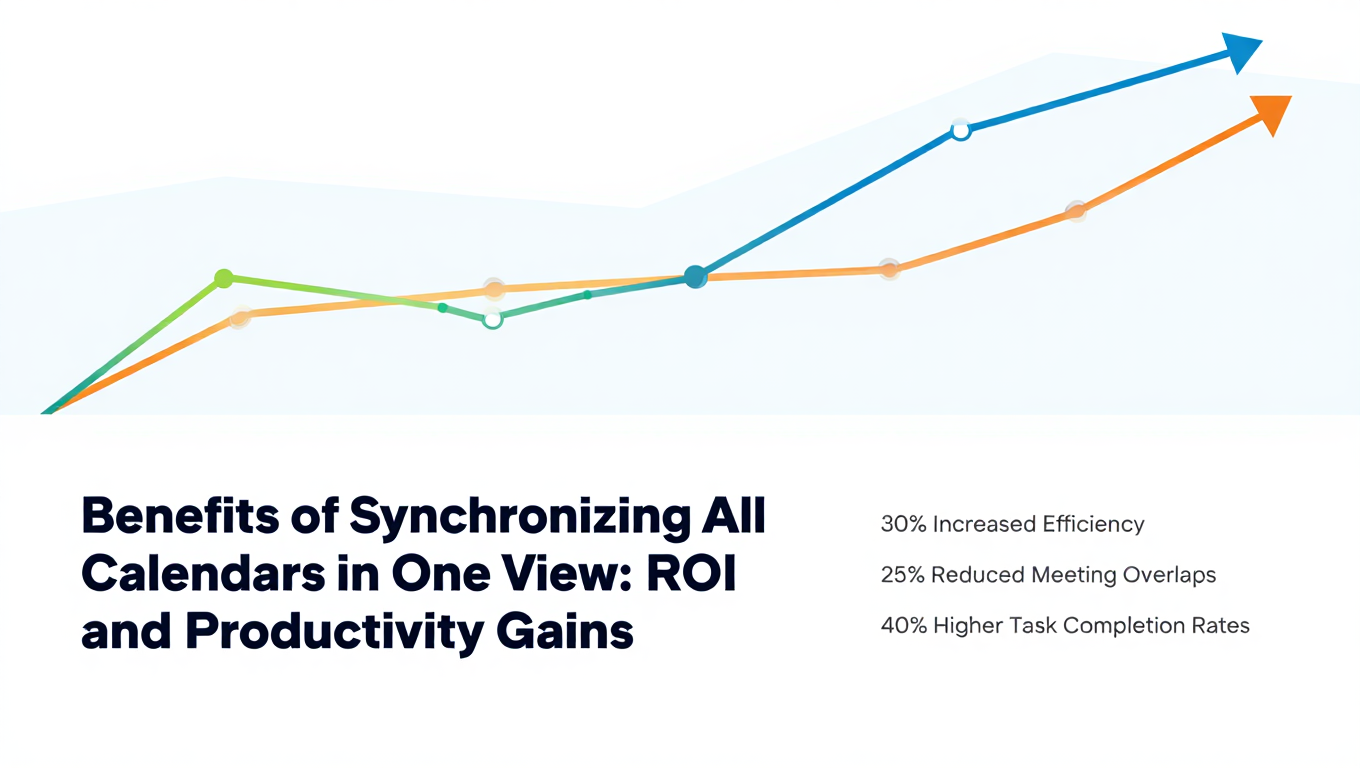
Benefits of Synchronizing All Calendars in One View: ROI and Productivity Gains
Discover the benefits of synchronizing all calendars in one view. See ROI data, productivity gains, reduced double bookings, and real-world business impact in 2025.
Best Bidirectional Calendar Sync Tools: 2025 Comparison Guide
Compare the best bidirectional calendar sync tools in 2025. Discover which platforms offer true two-way synchronization and which only provide one-way sync.
Best Two Way Calendar Sync Software: 2025 Expert Rankings & Comparison
Compare the top two-way calendar sync software tools. We tested 12 platforms for bidirectional sync speed, reliability, and field coverage to find which actually work.