
 Google Calendar
  Outlook Calendar
  Google Meet
  Microsoft Teams
  Zoom Meetings
 Sync Notion with CalendHub: Complete Integration Guide 2025
Connect Notion databases to CalendHub for one-way calendar sync that keeps your projects and schedule aligned.

Notion is the all-in-one workspace where teams organize projects, document processes, and track tasks. Its flexible database system makes it easy to manage deadlines, milestones, and sprint dates. But those dates live inside Notion, disconnected from the calendar where you plan your actual day. When project deadlines don't show up on your calendar, things slip through the cracks.
Syncing Notion with CalendHub.com pulls those project dates and task deadlines into your unified calendar view. It's a one-way read integration that turns your Notion databases into calendar-visible events, so you never miss a deadline because it was hiding in a Notion page you forgot to check.
- How to connect Notion databases to CalendHub
- Mapping Notion date properties to calendar events
- Configuring which Notion items appear on your calendar
- Troubleshooting Notion-specific sync challenges
- Advanced tips for project teams using Notion and calendar sync together
Why Sync Notion with Your Calendar?
Notion is great for organizing information, but it's not a calendar tool. Most people check their calendar far more frequently than they check Notion, especially on mobile. If an important deadline only exists in a Notion database, it's easy to overlook.
Make deadlines impossible to miss. When Notion task due dates appear on your Google Calendar, Outlook, or Apple Calendar through CalendHub, you get notifications, reminders, and visual blocks on your schedule. That deadline you set three weeks ago won't surprise you on Friday afternoon.
See project timelines alongside meetings. Your day isn't just meetings. It includes project milestones, content publishing dates, product launches, and team deadlines. Syncing Notion with CalendHub puts all of this on one calendar, giving you an honest view of what's actually competing for your time. For more on unified calendar management, read our guide to syncing multiple calendars.
Keep the whole team on the same page. When project dates from a shared Notion workspace sync to everyone's calendar, the team stays aligned on timelines without needing to check Notion constantly. This is especially valuable for remote teams across different time zones.
How to Set Up Notion Integration with CalendHub
The integration pulls date-based entries from your Notion databases and creates corresponding events in CalendHub, which then flow to your connected calendars.
Step 1. Log into CalendHub. Visit CalendHub.com and sign into your account. Make sure you have at least one calendar platform connected.
Step 2. Navigate to Integrations. Open the Integrations section from your dashboard sidebar.
Step 3. Select Notion. Click the Notion option in the integrations list. CalendHub will redirect you to Notion's authorization page.
Step 4. Authorize CalendHub in Notion. Notion will ask you to select which pages and databases CalendHub can access. Be specific here. Only grant access to the databases that contain date-based items you want on your calendar. You can always add more later.
Step 5. Select the Notion database to sync. Back in CalendHub, you'll see a list of authorized Notion databases. Choose the one you want to sync. Common choices include project trackers, content calendars, sprint boards, and task lists.
Step 6. Map the date property. Each Notion database has different properties. Tell CalendHub which date property should be used for the calendar event's start date. If your database has "Due Date," "Start Date," or "Deadline" properties, select the most relevant one. If your database has both start and end dates, map both for accurate duration.
Step 7. Map the title property. Choose which Notion property should become the calendar event title. Usually this is the "Name" or "Title" property. You can also configure CalendHub to append additional properties, like project name or assignee, to the event title.
Need better calendar management? CalendHub unifies all your calendars with smart scheduling and video conferencing.
Step 8. Set the sync destination. Choose which CalendHub calendar the Notion events should appear on. You might want a dedicated "Project Deadlines" calendar, or you might prefer them mixed into your primary work calendar.
Step 9. Test the sync. Check that items from your Notion database appear as events in CalendHub and on your connected calendars. Create a new entry in Notion with a date set for today or tomorrow and verify it shows up within a few minutes.
Best Practices for Notion Calendar Sync
Getting the configuration right makes the difference between helpful and noisy.
Sync only actionable items. Not everything in your Notion database needs to be on your calendar. Use CalendHub's filtering to only sync items with a status of "In Progress" or "Upcoming." Completed tasks and backlog items just add clutter.
Use a dedicated calendar for Notion events. Create a separate calendar in Google, Outlook, or whichever platform you use, and direct Notion synced items there. This lets you toggle project dates on or off without them mixing into your meeting schedule.
Keep Notion date properties consistent. If some entries in your Notion database don't have dates, they'll be skipped during sync. Make it a team habit to always fill in the date property when creating items you want visible on the calendar.
Combine with CalendHub's other integrations. When you sync Notion alongside Google Calendar and Outlook through CalendHub, you get a truly complete picture. Meetings, personal events, and project deadlines all in one view. Our best bidirectional sync tools guide discusses how to set up this kind of multi-platform view.
The Notion integration is a one-way read sync. Changes made in Notion will update your calendar, but editing a calendar event won't change the corresponding Notion entry. Always make updates to project dates and task details directly in Notion to keep your data accurate.
Common Issues and Troubleshooting
Notion's flexible database structure can sometimes create sync challenges. Here's what to watch for.
Notion items not appearing on calendar. First, check that the items have a date property filled in. Items without dates can't become calendar events. Also verify that your CalendHub integration has access to the specific Notion database. Notion's permission system requires you to explicitly share databases with connected apps.
Wrong dates showing on calendar events. Notion supports both date and date-with-time properties. If your Notion entries only have dates without times, CalendHub will create all-day events. If you need specific times, add a time component to your Notion date property.
Too many items cluttering the calendar. If your Notion database has hundreds of entries, syncing all of them can overwhelm your calendar. Add filters in CalendHub to limit sync to items assigned to you, items with upcoming dates, or items in specific status categories.
Changes in Notion taking time to reflect. Notion's API has rate limits, and CalendHub polls for changes at regular intervals. If you update a date in Notion, expect a delay of a few minutes before the calendar event updates. For time-sensitive changes, you can trigger a manual sync refresh in CalendHub.
Database schema changes breaking sync. If you rename or delete the date property that CalendHub is mapped to, the sync will break. After any structural changes to your Notion database, revisit CalendHub's integration settings to update the field mappings. For broader sync troubleshooting, see our calendar sync troubleshooting guide.
Advanced Notion Calendar Integration Tips
These techniques help teams extract even more value from the Notion and CalendHub connection.
Sync multiple Notion databases. Most teams use more than one database for different purposes. You can connect several Notion databases to CalendHub.com, each syncing to a different calendar. Your content calendar database goes to a "Content" calendar, your sprint tracker goes to a "Development" calendar, and your hiring pipeline goes to an "HR" calendar.
Use Notion formulas to create smart sync triggers. Notion's formula properties can calculate dates based on other fields. For instance, a formula that calculates "Due Date minus 3 days" could be mapped to CalendHub as a reminder event. This way, you get a calendar reminder three days before every deadline without manual setup.
Combine with automation platforms. For bidirectional workflows between Notion and your calendar, combine CalendHub's one-way Notion sync with a Zapier or Make scenario. CalendHub handles pulling Notion dates to your calendar, while Zapier handles pushing calendar events back to Notion.
Create project timeline views. When all project dates from Notion sync to a dedicated calendar in CalendHub, you essentially get a Gantt-style timeline view through your calendar app. This is especially useful for stakeholders who prefer looking at a calendar over navigating Notion.
Track personal productivity. Beyond team projects, sync your personal Notion task database with CalendHub. Having personal goals, habits, and deadlines visible on your calendar keeps them front of mind and integrates personal productivity into your overall schedule.
Notion and CalendHub together turn your project management data into calendar-visible events that you'll actually see and act on. Stop letting deadlines hide in database rows and start putting them where they belong. Connect Notion at CalendHub.com and never miss a project date again.
Ready to Simplify Your Schedule?
Join thousands of professionals who have unified their calendars and reclaimed their time with CalendHub's intelligent scheduling platform.
Related Articles
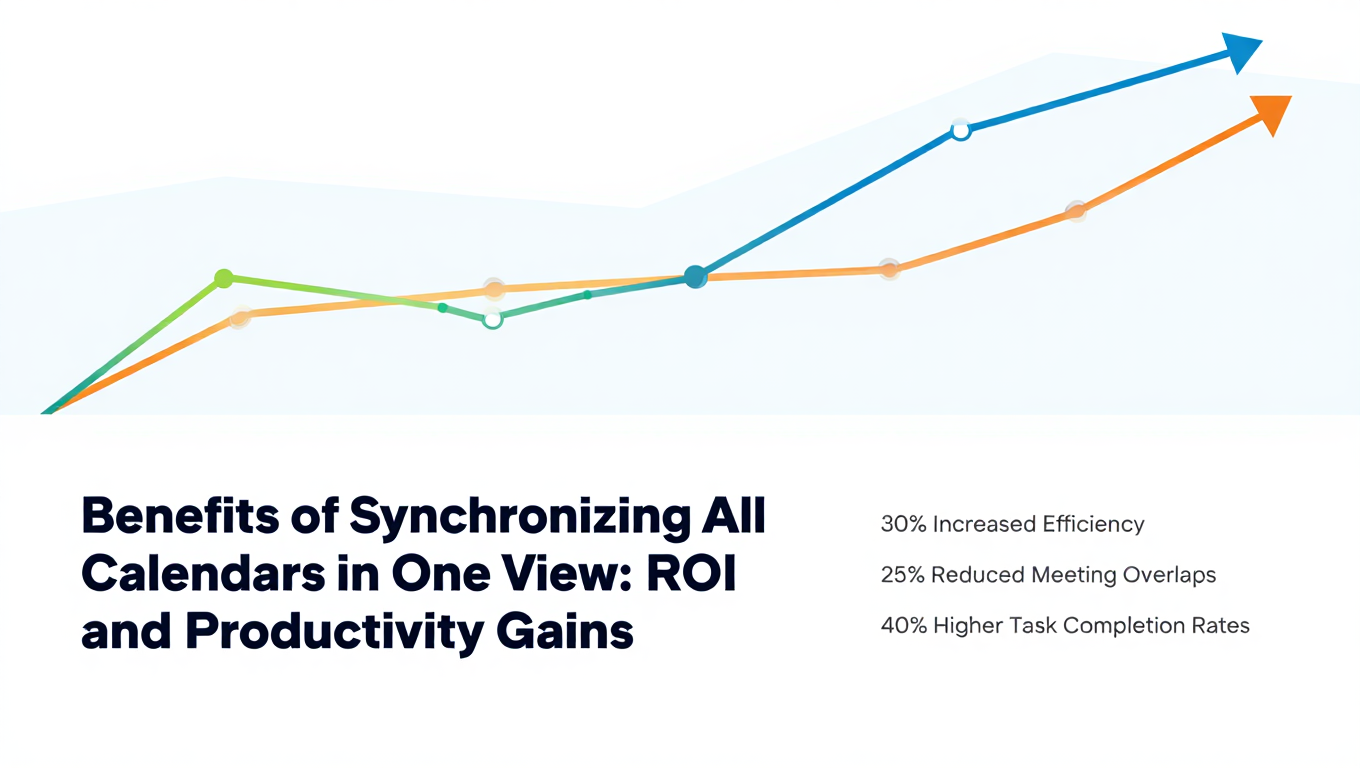
Benefits of Synchronizing All Calendars in One View: ROI and Productivity Gains
Discover the benefits of synchronizing all calendars in one view. See ROI data, productivity gains, reduced double bookings, and real-world business impact in 2025.
Best Bidirectional Calendar Sync Tools: 2025 Comparison Guide
Compare the best bidirectional calendar sync tools in 2025. Discover which platforms offer true two-way synchronization and which only provide one-way sync.
Best Two Way Calendar Sync Software: 2025 Expert Rankings & Comparison
Compare the top two-way calendar sync software tools. We tested 12 platforms for bidirectional sync speed, reliability, and field coverage to find which actually work.